
Originally published 11th September 2022
Creating impactful slideshows is a very important skill for the modern knowledge worker. Especially with the drastic increase in remote working — slides have become an essential tool in conveying ideas, strategies, or generally any kind of message to an audience.
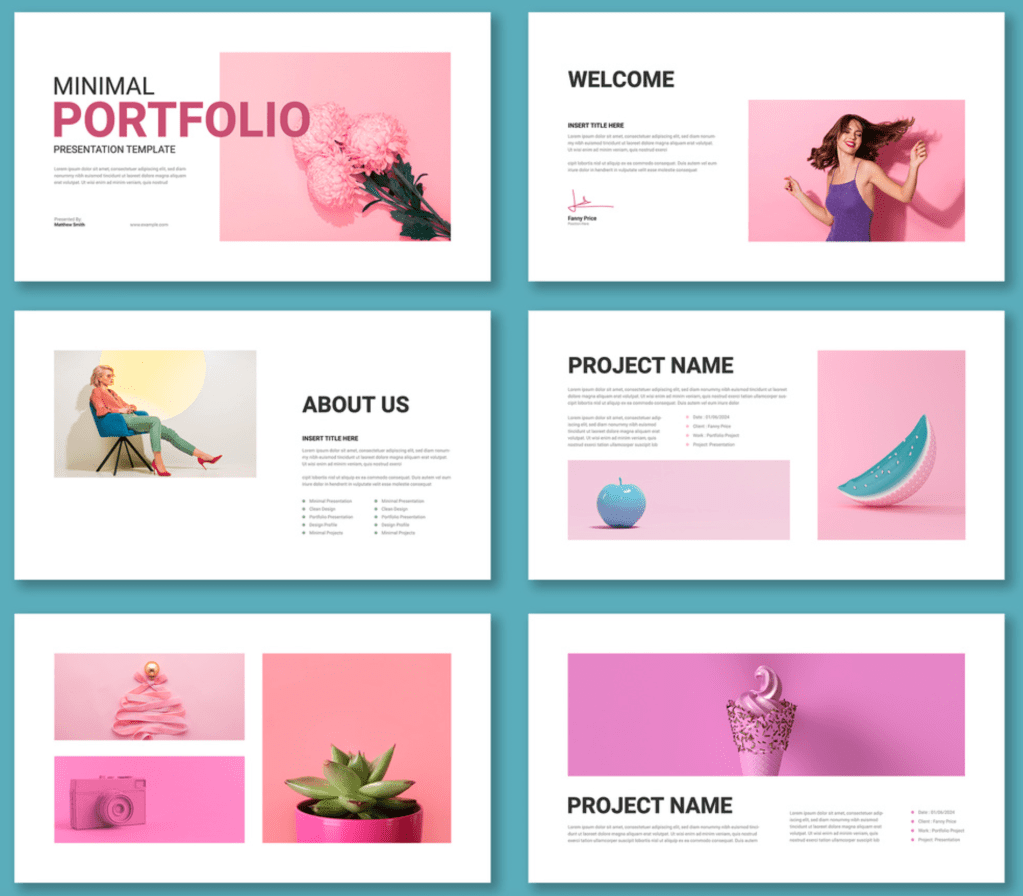
A powerful and memorable presentation tells an engaging story, and the slides shown need to support this, or it’s game over. Additionally, the story needs to also be clear when the slides are not physically presented but are instead sent directly to the recipient for their own review.
I have a three-step process when crafting a story through slides:
- Structure your narrative
- Lead with data
- Leave the reader with a clear message
Structure your narrative
I have found this to be a really crucial first step. Before actually creating any slides, I will think about what messages I want to get across to my audience, and the best way I can do that.
Your story comes first, and the slides need to mold to the story.
A general framework that I tend to follow when thinking about the flow of my story goes something like this:
- Context — why are we here, and how did we get here?
- Exploration of the problem — what are you trying to address by doing this presentation? (Data, data, data!)
- Solution proposal — what are you presenting to your audience as a resolution to the problem and why is this the best solution?
- Key takeaways and next steps (these could be the same things) — what do you want the audience to remember from the presentation/do off the back of it?
Of course, the above is fairly generic and may not fit with every single narrative. But I believe it can be useful to ask yourself these questions and somewhat adapt the above.
Let’s use an example- imagine you are creating some slides to showcase your new educational VR product idea aimed at kids with neurodiversity. How could you go about crafting your narrative to bring the audience on a journey?
- Context — give some background: have you been given a brief to create this product, or maybe even noticed the gap yourself? What is your own background and experience in this area?
- Exploration of the problem — research into the lack of educational offerings focussing on neurodiverse children, look into VR in education and the benefits and limitations of the approach. Understand what users think about the problem.
- Solution proposal — present your solution at every angle. How does it work? Show it is feasible. Go into financial/technical/ethical details depending on your audience. What are the alternatives?
- Key takeaways and next steps — present what you want the audience to remember. Maybe: VR education is the future in childrens education; there is a burning need for educational solutions for neurodiverse children, or maybe your ask is more practical and you need sign-off on this idea to proceed. Tell the audience what needs to be top of mind after the presentation ends.
Lead with data
Explicitly highlighting data that supports the narrative of your story is a powerful way to bring your reader on board — as well as provide credibility to your overall message.
Sticking with the educational VR product for neurodiverse kids example, you need to present data to the reader that shows that there are gaps or pain points in this area currently — using data that supports your message.

The above slide clearly outlines key data that show there is currently a gap in VR education solutions, and that teachers do not feel adequately prepared to deal with neurodivesity in the classroom. Hence the solution being presented provides a clear opportunity to fill these gaps, and this is evidenced by data.
Leave the reader with a clear message
Ending your presentation on the key takeaways or the ‘so what?’ is very powerful. And the more clear and simple the message is the better, because it is more likely that your audience will remember it.
This also applies to each content slide of the presentation — there should be a clear point to each slide, as it will make the overall narrative easier to follow for the audience.
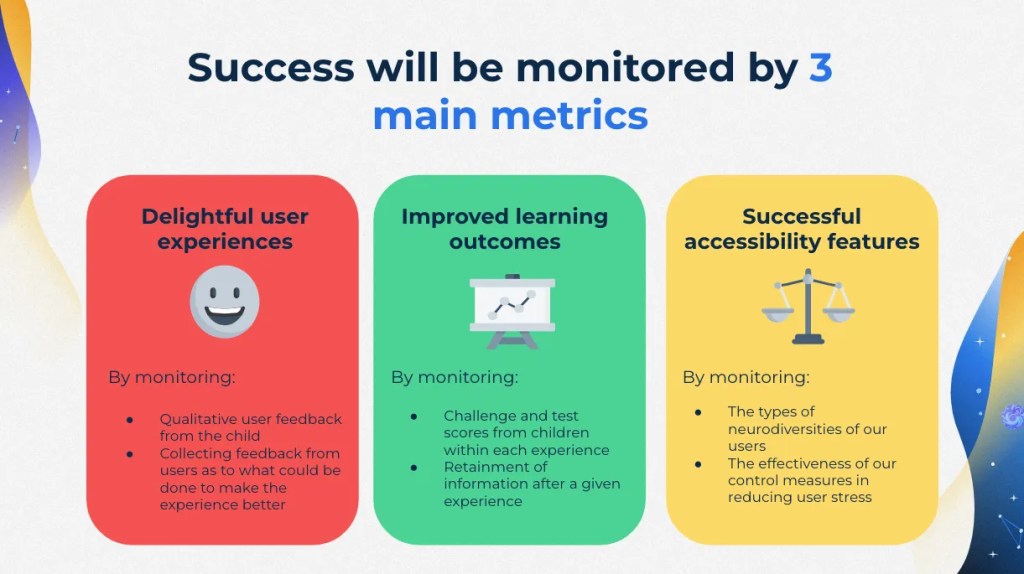
The title of the above slide conveys the main message, with the actual slide content just providing more detail. The aim is to ensure a reader could read just the titles of each of your slides and get a semi-clear understanding of the story.
Bonus tip: choose a matching slide aesthetic
I find this stage really fun and satisfying. I like to spend a while thinking about which colourways, fonts, and imagery would best suit my audience and the topic I’m speaking about.
Of course, this is very much dependent on the context, but I don’t think you should be afraid to make your slides fun and appealing to the eye. A spot of creativity in the design has always had a positive impact on my presentations from past experience.
I usually use a pre-formatted template for my slides, my favourite source is slidesgo.
Thanks for reading!
 letters from nowhere
Leave a comment